Google Analytics - Web Analytics Tool

Founded by Larry Page & Sergey Brin in 2005
Understand how users interact with your website.
Cost
Free
Rating
★ People love it
Time to value
Quick Setup (< 1 hour)
You can use Google Analytics for tracking and analyzing user interactions on your website or app. This tool provides insights into customer behaviors, acquisition channels, and conversion paths. Standout features include real-time data tracking and customizable reporting. Practical use cases involve monitoring marketing campaign effectiveness, tracking audience demographics, and understanding content engagement levels. It’s essential for optimizing your digital strategy.
What Google Analytics does
Frequently asked
 Mailchimp
 Google Search Console
 Salesforce
Want a tailored answer?
See whether Google Analytics fits your stack.
Techbible weighs Google Analytics against what you already pay for, your team shape, and the work that's actually happening. Free to start.
More in Web Analytics
All tools →
Mouseflow
Tools for website behavior analytics

Lucky Orange
Analyze and optimize your website's user experience.

Hotjar
Understand user behavior on your website.

Similarweb
Analyze website traffic and performance

Google Trends
Shows the latest trends and data on search topics.

Viewstats
Track and analyze your website's performance.

Microsoft Clarity
A tool for website analytics and user behavior insights.
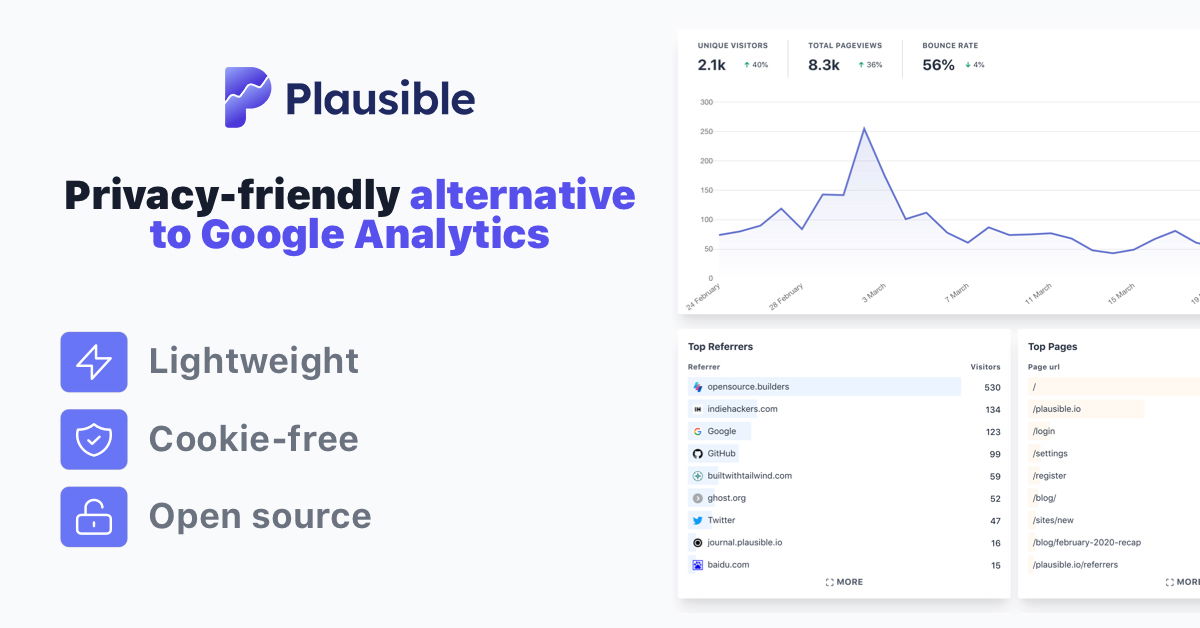
Plausible
Privacy-friendly alternative to Google Analytics.